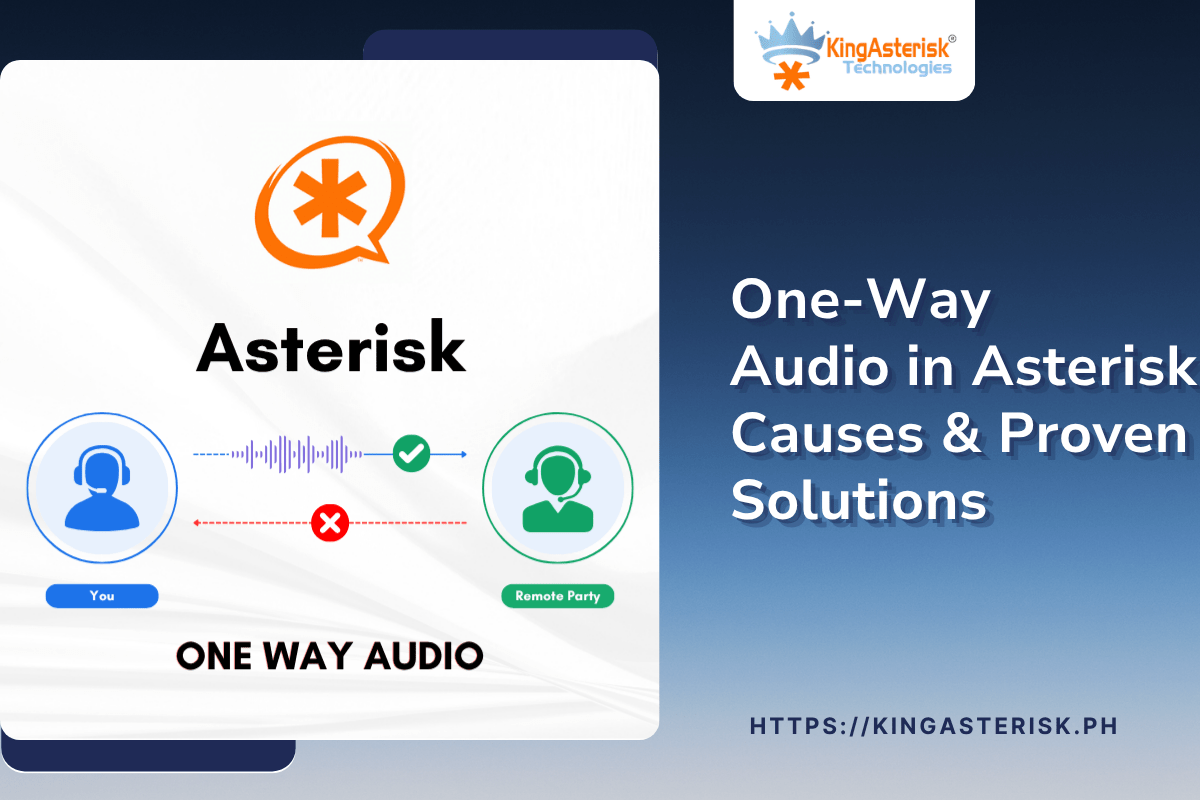
One Way Audio Asterisk problems show up in a specific and frustrating pattern: the outbound call connects, the agent hears the customer, but the customer never hears the agent, or the reverse happens. The call looks successful in the dialer and in the Asterisk logs, yet one side sits in silence.
This guide walks through the exact reasons this happens on Asterisk-based outbound systems and the fixes our engineering team applies during live deployments for contact centers in Manila, Cebu, and Davao. By the end, you will know how to isolate the fault and correct it without rebuilding your dial plan.
What one-way audio actually means
An Asterisk call runs on two separate channels. SIP handles the signaling: it sets up the call, negotiates the codec, and tears the call down. RTP carries the actual voice packets, and it runs on its own path once the call is up. One-way audio asterisk cases happen because these two channels can succeed and fail independently. The SIP handshake completes, the call shows as answered, but the RTP stream for one leg never reaches its destination. That is why the problem is so easy to miss during basic signaling checks and so common in outbound campaigns that route through a router or a session border element.
Why outbound calls lose audio in one direction
Most one-way audio reports on outbound calls share one of four triggers.
- The SDP body advertises a private LAN address instead of the public address the remote party can actually reach.
- A firewall or router allows the SIP port through but blocks part or all of the RTP port range.
- The negotiated codec differs from what one leg is actually sending, so the receiving side discards the packets.
- Asymmetric routing sends the RTP stream out through one path and expects the reply on a different one, which some routers reject.
Any one of these can produce the exact symptom of an agent who cannot be heard, even though the call log shows a normal connected duration.
NAT and RTP: the real root cause
In the majority of deployments we review, NAT handling is the actual cause of one-way audio Asterisk tickets. When the Asterisk server sits behind a router performing address translation, the SDP it generates needs to carry the public-facing address, not the private one.
In pjsip.conf, this means setting external_media_address and external_signaling_address to the correct public IP, and listing the private ranges under local_net so Asterisk knows which addresses are internal. Without this, the remote carrier sends its RTP replies to an address it cannot route to, and the call goes silent on that leg while signaling continues to look healthy.
Setting nat=force_rport,comedia in the endpoint or trunk configuration tells Asterisk to send RTP back to the address and port the media actually arrived from, rather than the address advertised in the SDP. This single setting resolves a large share of one-way audio Asterisk cases on its own.
Firewall rules and codec mismatches
SIP signaling typically runs on a single port, usually 5060, so administrators open that port and assume the call path is complete. RTP media needs a much wider port range, defined by rtpstart and rtpend in rtp.conf, and every port in that range has to be open for both inbound and outbound UDP traffic. A firewall that opens only 5060 will let a call ring and connect while blocking the media stream entirely in one direction.
Codec negotiation issues
A second, less obvious cause is codec mismatch during transcoding. When a trunk provider and an internal extension negotiate different codecs, such as G.729 on one leg and G.711 on the other, a poorly configured transcoding module can produce a stream that decodes correctly in one direction and fails in the other. Matching the codec list explicitly on both the trunk and the extension configuration removes this variable.

Why SIP calls disconnect near the 30-second mark
This symptom is often confused with one-way audio, but the cause sits slightly upstream. Many routers and firewalls apply a UDP NAT timeout, commonly around 30 seconds, and close the translation entry for a session if it does not see enough traffic to refresh it. If RTP keepalive packets are not reaching the router at the right interval, the NAT mapping expires mid-call and the media path breaks, which Contact Center Dialer or the trunk provider then reads as a dropped session.
Session timers configured in pjsip.conf, along with correct qualify_frequency settings on the trunk, keep the NAT mapping active and prevent this class of disconnect. Where a re-INVITE is involved, confirming that the far end and Asterisk both handle re-INVITE requests the same way avoids a second, related failure mode that looks identical to a timeout.
Proven fixes our engineers use in the field
These are the checks we run, in order, on every one-way audio Asterisk ticket.
- 1. Confirm external_media_address and external_signaling_address are set to the correct public IP in pjsip.conf.
- 2. Enable nat=force_rport,comedia on the affected endpoint or trunk so RTP follows the real source address.
- 3. Set directmedia=no so all audio routes through the Asterisk server instead of attempting a direct path between endpoints.
- 4. Open the full RTP port range from rtp.conf on the firewall, in both directions, not just the SIP signaling port.
- 5. Match the codec list exactly between the trunk provider and internal extensions to remove transcoding as a variable.
- 6. Set qualify_frequency and session timers on the trunk to keep NAT mappings active for the duration of the call.
Working through this list in order resolves the overwhelming majority of cases without touching the dial plan or the trunk provider’s configuration.
A real deployment example from a Manila contact center
A contact center operating out of Manila reported that agents could hear customers on outbound campaigns to United States numbers, but customers could never hear the agents. Signaling looked normal in the logs, and the calls counted as connected for full billing duration. On review, the Asterisk server’s pjsip.conf had no external_media_address set, so every SDP offer carried the server’s private LAN address. The remote carrier accepted the call but sent its RTP stream to an address it could not reach outside the local network.
Setting the correct public address, enabling comedia mode, and opening the full RTP range on the office router resolved the issue on the same call attempt. The same fix pattern has applied to similar reports from teams in Cebu and Davao running comparable network setups behind a single router.
Is Asterisk free to deploy?
Asterisk itself is open-source software with no license fee, which is why it remains a common base for outbound systems across the Philippines. Free in this context means the software license, not the full deployment.
Running a production system still involves server hardware or a managed server instance, a trunk provider for outbound minutes, and configuration work to avoid issues like one-way audio Asterisk failures. Teams that want the cost benefit of open-source software without the trial-and-error of NAT and firewall tuning typically bring in a deployment partner for the initial setup.
Frequently asked questions
What causes one-way audio on outbound calls❓
The leading causes are NAT misconfiguration that puts a private IP address into the SDP, a firewall that opens the SIP port but blocks part of the RTP port range, and codec mismatches during transcoding. Asymmetric routing between the Asterisk server and the remote carrier can also produce the same one-sided symptom.
Why do SIP calls disconnect after 30 seconds❓
This usually points to a router or firewall UDP NAT timeout, often set around 30 seconds, that closes the translation entry if the session does not generate enough traffic to refresh it. Correct session timer settings and trunk qualify_frequency values keep the NAT mapping active and prevent the mid-call drop.
Is Asterisk free to use❓
Yes, Asterisk is an open-source dialer solution and free to download and run with no software license cost. Total deployment cost still depends on server hardware or a managed server instance, trunk provider charges for outbound minutes, and the setup work needed to configure NAT, firewall, and codec settings correctly.
Does one-way audio only happen on outbound calls❓
No, but outbound campaigns surface it more often because every call originates from the same server and network path, so a single NAT or firewall misconfiguration affects every outbound attempt at once. Inbound calls can show the same symptom under the same root causes, just less consistently depending on the caller’s network.
Final word
One Way Audio Asterisk issues almost always come down to a mismatch between what the SDP advertises and what the network actually allows through, whether that is a NAT address problem, a partially open firewall, or a codec conflict.
Working through NAT settings, RTP port ranges, and codec lists in order clears most cases without any change to the dial plan. If your team in Manila, Cebu, Davao, or anywhere else in the Philippines is still chasing a one-way audio issue on an Asterisk deployment, our engineering team can review your configuration and walk through the fix with you directly.